Entries
Besides Transactional Entries Accountinite has regular entries for documents that don't affect any account's balance directly.
Examples of these are:
Creating a New Entry
To create an entry navigate to it's page first, for example for Party: Commons > Party
And click on the + button, this will open the Quick Edit Form.
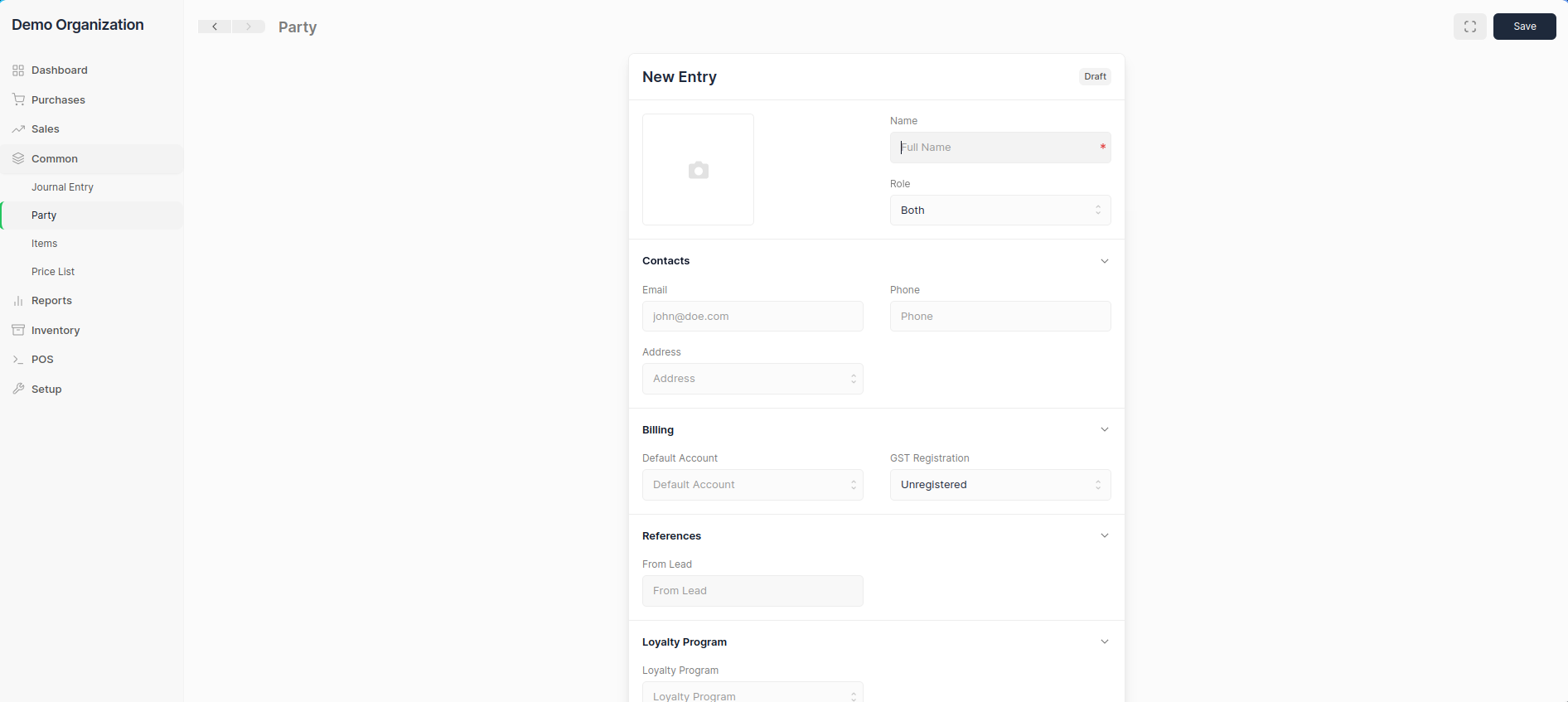
Enter the values and click the blue Save button. The entry will now be made and can be used in transactions.
Deleting an Entry
To delete an entry, click on the ... menu button and select Delete.
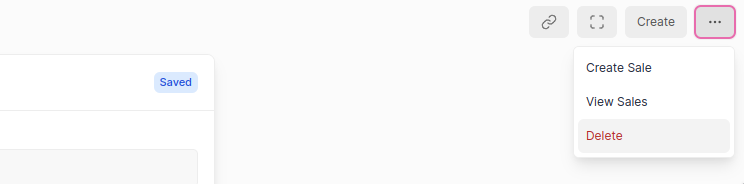
Entry Deletion
Entries used in transactions cannot be deleted.
To delete these entries the Transactions where they are used will have to be deleted first.
Now that you know the basics of entries you can learn about specific types of entries.